
Our verdict first: if your university gives you a licence, use the package your department teaches, because support from your supervisor and library is worth more than any feature. If you are choosing for yourself, MAXQDA or ATLAS.ti suit most undergraduate and master’s interview projects, NVivo suits projects that need its wider set of queries or that your department already uses, and Taguette is a sensible choice when you want simple coding with no licence fee. The table shows how they compare on the points that matter for a dissertation.
How do the four packages compare at a glance?
| Package | Platforms | Cost to you | Best suited to | Watch out for |
|---|---|---|---|---|
| NVivo (Lumivero) | Windows and Mac desktop, plus a web-based collaboration option | Paid; the vendor lists a 12-month academic licence for one named user, and many universities hold licences | Larger or mixed-methods projects, framework matrices, multiple data types | Steeper learning curve; the licence runs for a fixed period, so plan your timeline |
| MAXQDA (VERBI) | Windows and Mac with the same interface on both | Paid; the vendor offers student pricing and a 14-day trial | Interview and focus-group projects, mixed methods, visual tools | Check which edition includes the statistics module before you buy |
| ATLAS.ti | Windows, Mac and web browser | Paid; discounted student licences and a trial are listed | Students who work across devices or share a project with a supervisor | Automatic coding features need checking against your university’s AI policy |
| Taguette | Desktop for macOS, Windows and Linux, and a web version | Open source with no licence fee | Straightforward highlight-and-tag coding for a single researcher | Deliberately simple, so check it has the analysis views your method needs |
Prices change, so this comparison deliberately states what each vendor offers rather than quoting figures. Always check the vendor page, and ask your library first, because a university licence is the cheapest route.
Do you need qualitative software at all?
No. Software does not analyse your data; you do. It stores your transcripts, lets you attach codes to extracts, retrieves everything coded the same way and helps you see patterns. For ten short interviews, a spreadsheet or word-processor table is enough, and examiners do not give extra marks for software. It earns its place when you have more than about fifteen transcripts, several data types, a need to retrieve coded extracts quickly or a supervisor who wants to see your codebook. Our guides to thematic analysis and to a worked nursing example show the analysis steps that software merely supports.
1. MAXQDA: our pick for most interview-based dissertations
MAXQDA runs on Windows and Mac with the same interface on both, supports qualitative coding and mixed-methods work, includes visual tools, and offers automatic transcription through its AI Assist add-on. The vendor offers student pricing through its shop and a 14-day trial, which is useful because you can test it on two of your own transcripts before deciding.
Who it suits: students running semi-structured interviews or focus groups who want a clear interface and good export options. Where it falls short: it is a paid product, and some analysis modules are sold separately, so confirm exactly what your licence includes. See our guide to interviews versus focus groups if you have not settled your data collection yet.
2. ATLAS.ti: best for working across devices
ATLAS.ti is available on Windows, Mac and in a web browser, and the vendor says features are consistent across them. It accepts text, PDFs, Word documents, images, audio, video and social media data in one workspace, offers visualisations such as network views and word clouds, and has real-time collaboration through its web version. Discounted student licences and a trial are listed on the vendor site.
Who it suits: students who move between a university computer and a laptop, or who want to share a project with a supervisor. Where it falls short: it markets AI-powered coding. Check your university’s rules on AI before using any automatic coding, and report what you used in your methodology.
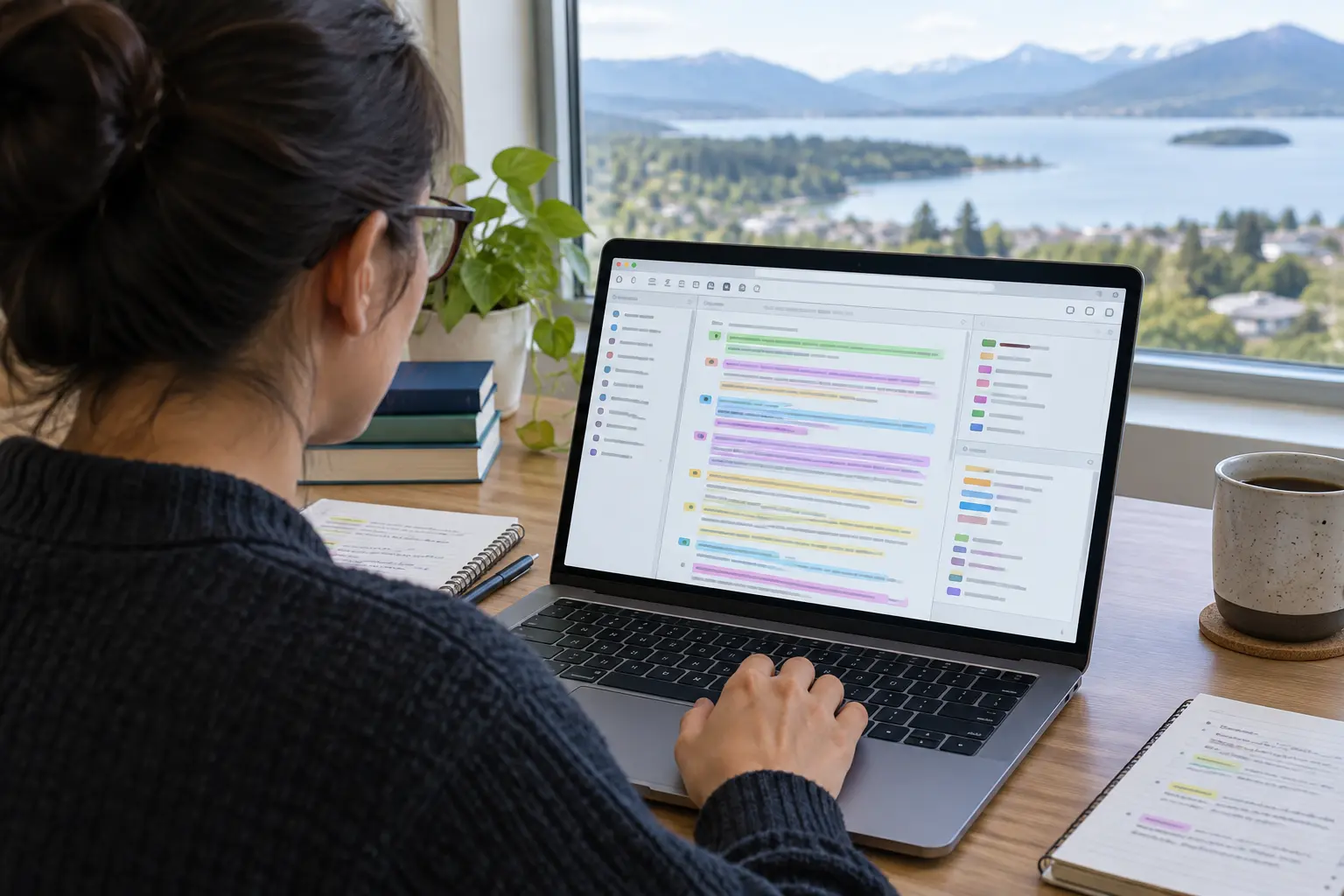
3. NVivo: the widest toolset, and the one many departments teach
NVivo is available as desktop software for Windows and Mac, with a web-based collaboration option and a server option for organisations. It supports manual and AI-assisted coding, case and attribute management, memos, queries, a framework matrix for comparing cases and mixed-methods work, and it imports documents, survey data, audio and video. The vendor lists a 12-month academic licence for one named user and offers trials through its website.
Who it suits: larger projects, framework analysis, and any department that already teaches it. Where it falls short: the breadth of features means more to learn, and a licence with a fixed term means you should confirm it will cover the time until your marks are confirmed. If your university provides it, this is usually the deciding factor.
4. Taguette: simple, with no licence fee
Taguette is open-source software that runs as a desktop application on macOS, Windows and Linux, and as a web version. You import your materials, highlight passages, assign tags and export codebooks, tagged quotations and annotated documents. Its own page notes that when you run it locally your data is as secure as your computer, which matters for confidential interviews.
Who it suits: a single researcher who wants the digital equivalent of highlighters and a codebook, with no budget. Where it falls short: it is deliberately simple, so if your method needs matrices, case comparison or statistics alongside coding, check that it can do them before you commit.
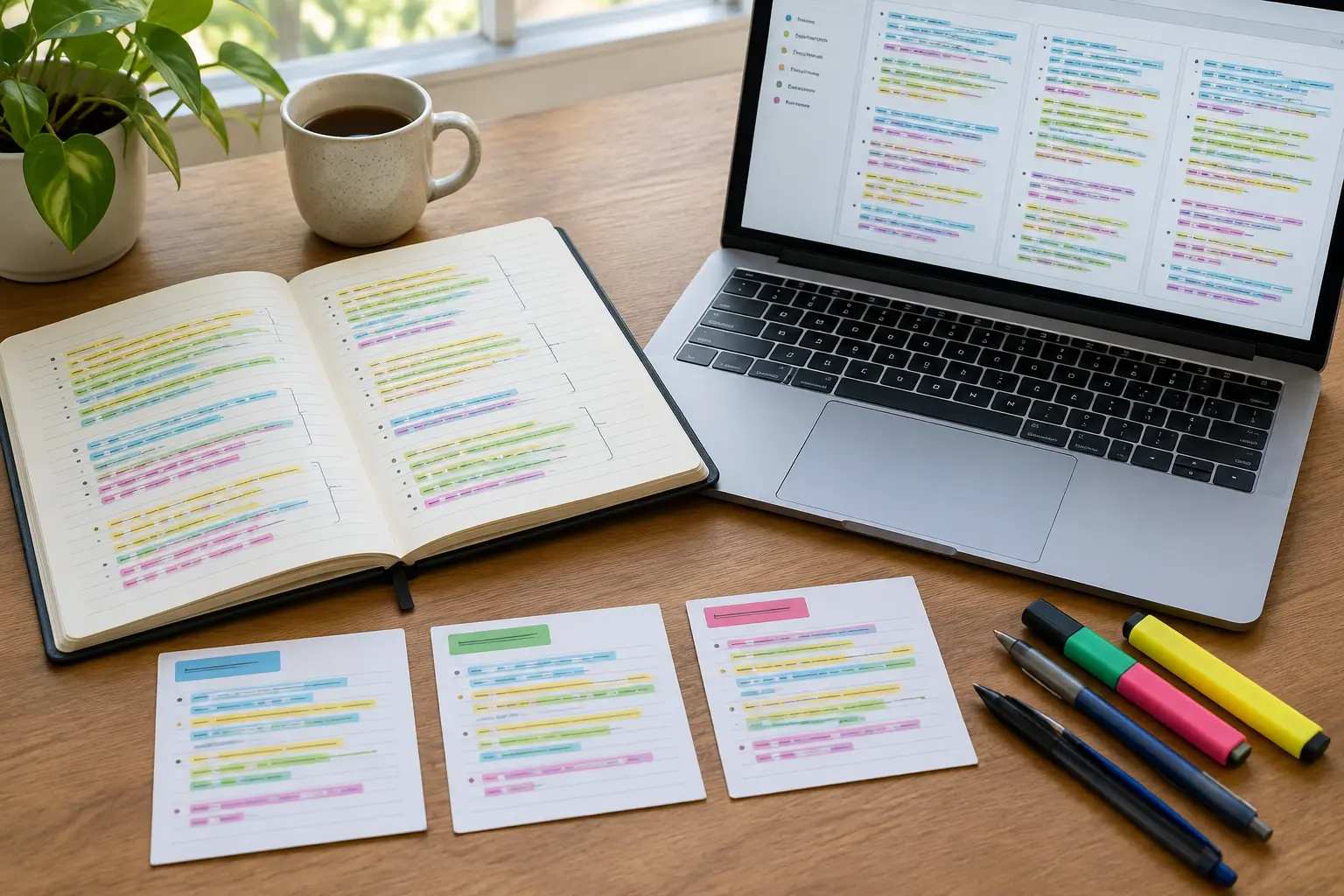
How should you choose? Five questions
- Does your university provide a licence? Ask your library or IT service before you buy anything. If it does, start with that package.
- How much data do you have? A handful of transcripts need little more than Taguette or a table; dozens of transcripts justify a full package.
- Is your method qualitative only or mixed? Mixed methods favour NVivo or MAXQDA, which both state mixed-methods support. If your quantitative side needs its own tool, our comparison of SPSS, R and jamovi covers that half.
- Where will the data live? Interview recordings are personal data. Your ethics approval will say where files may be stored, so check whether a cloud-based package is allowed before uploading anything. Our guide to ethics approval explains the usual conditions.
- How long do you need access? Choose a licence that lasts until your marks are confirmed, not just until submission.
A worked example: from transcript to theme (illustrative)
This example is invented to show the sequence; it is not real data. Imagine twelve interviews with first-year students about moving from school to university. In the first pass you import the transcripts and read each one, adding memos where something surprises you. In the second pass you code line by line, creating labels such as “feeling behind”, “asking for help” and “living away from family”. In the third pass you merge near-duplicate codes, write a one-sentence definition for each and group them: “feeling behind” and “comparing with peers” become a candidate theme called “measuring yourself against others”. Finally you retrieve every extract under each theme, check that it tells a coherent story, and choose two or three quotations per theme for the findings chapter.
Every package above can do that sequence. What differs is how quickly you can retrieve extracts, how clearly you can see your codebook and how easily you can export it. That is why a trial on two real transcripts is a better test than any feature list.
What should you do in your first week with the software?
- Anonymise before you import. Replace names and identifying details in each transcript, and store the key separately, in line with your ethics approval.
- Import two transcripts only. Test coding, retrieval and export before you commit the whole dataset.
- Set a naming convention. Use short, consistent codes and keep definitions in a codebook table from day one.
- Back up with dates. Save a dated copy of the project file after every session so you can show how your coding developed.
- Export a codebook early. If you cannot get your codes out in a readable form, you will struggle to put them in an appendix.
Which package for which situation?
- Your department teaches one package: use that one.
- Ten to fifteen interviews and a tight budget: start with Taguette or a coded spreadsheet, and move up only if you find a real limit.
- Mixed methods with survey and interview data: try NVivo or MAXQDA, which both state mixed-methods support.
- Working across devices or sharing with a supervisor: try ATLAS.ti.
- Highly sensitive data: prefer local storage and confirm your approved data management plan before using any cloud feature.
How do you use the software in the dissertation itself?
Examiners read the methodology for how you analysed, not which icon you clicked. State the package and version, what you used it for (storing, coding, retrieving), and the analytic approach you followed. Then show the codebook or a coding extract in an appendix, and carry the same theme labels through your findings chapter, as described in our guide to writing the results chapter.
An illustrative methodology sentence: “Interview transcripts were imported into the software, coded inductively following the six phases of thematic analysis, and exported as a codebook (Appendix D); the software supported retrieval but all coding decisions were made by the researcher.” Adapt it to what you actually did, and do not describe features you did not use.
What mistakes do students make with qualitative software?
- Buying before asking. Many students pay for a licence their university already provides.
- Letting the software choose the themes. Automatic suggestions are starting points, and you must still justify every code.
- Losing the audit trail. Keep dated backups and a changelog of how codes were merged or renamed.
- Uploading confidential data to an unapproved service. Follow your ethics approval to the letter.
- Using the package as a methodology. “I used NVivo” is not a method; the analytic approach is.
Tesify supports you from the research question to the finished chapters, so your analysis approach, codes and findings line up while you write every word yourself. Over 9,000 students have used it across more than 15,000 chapters. Plan your qualitative dissertation with Tesify.
Qualitative software FAQ
Which qualitative software is best for a dissertation?
The one your university licenses and your supervisor can support. If you choose independently, MAXQDA or ATLAS.ti suit most interview projects and Taguette suits simple coding with no licence fee.
Do I need NVivo for a dissertation?
No. NVivo is widely taught, but examiners assess your analysis rather than your software, and other packages or even a coded spreadsheet can meet the same standard.
Is there qualitative analysis software with no licence fee?
Taguette is open-source software with no licence fee, available for desktop and as a web version. It focuses on highlighting, tagging and exporting your codes.
Can I get qualitative software through my university?
Many universities provide one or more packages, but it varies by institution. Ask your library or IT service before you buy a personal licence.
Can I use AI coding in my dissertation?
Only if your university’s policy allows it. Some packages offer automatic coding, so check the rules, disclose what you used, and keep every final coding decision your own.
Is it safe to upload interview data to a cloud-based package?
Only if your ethics approval and data management plan allow it. Interview data is personal data, and local storage is often the safer default.
How many interviews justify using software?
There is no fixed number. A few short transcripts can be coded by hand, while dozens of transcripts or several data types make software worthwhile.
How do I report software in my methodology?
Name the package and version, say what you used it for, state your analytic approach, and point to the codebook in an appendix.
Can the software do thematic analysis for me?
No. It organises and retrieves your codes, but you decide the codes, group them into themes and justify them.