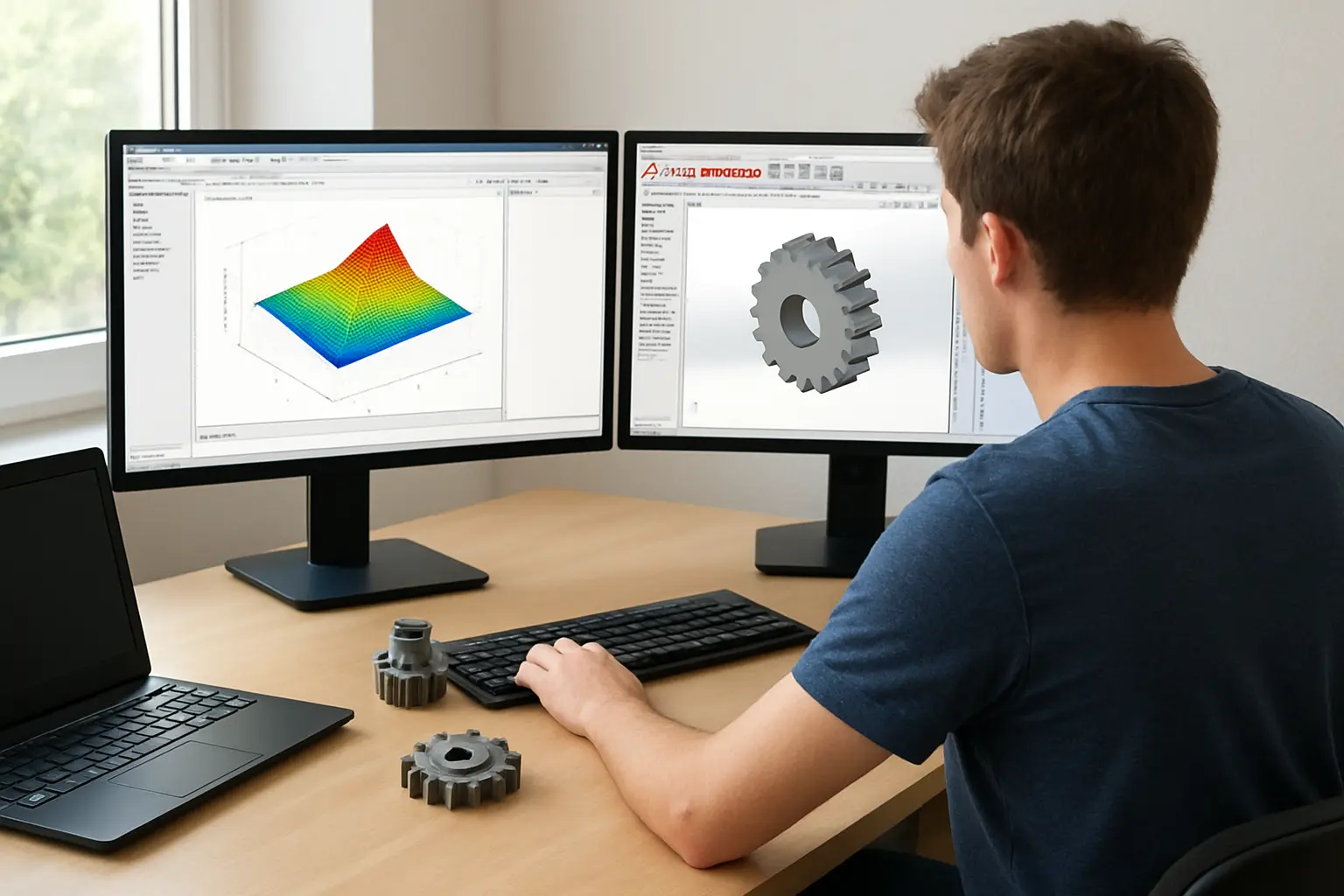
The right software for an engineering dissertation depends entirely on what you are actually doing: modelling a signal or control system, designing a physical part, simulating stress or fluid flow, or analysing a dataset. Below is a straight comparison of the tools UK engineering students reach for most, what each costs, and one clear recommendation by sub-field.
| Tool | What it is actually for | Typical student cost | Best for |
|---|---|---|---|
| MATLAB & Simulink | Numerical computing, signal processing, control systems modelling | Free if your university has a campus-wide licence (check via your student email); otherwise a paid student suite | Electrical, control systems, signal processing dissertations |
| ANSYS Student | Finite element analysis (structural, thermal), CFD, electronics simulation | Free — Ansys Student is a free download bundle for students | Mechanical, structural, thermal or CFD dissertations |
| SolidWorks | 3D parametric CAD, mechanical part and assembly design | Typically licensed through your department’s computer labs rather than freely downloadable for personal use — check with your course first | Mechanical design and product-development dissertations |
| AutoCAD | 2D/3D drafting, technical drawings | Free through Autodesk’s education plan for verified students | Civil, structural and architectural-engineering drawings |
| Python (NumPy/SciPy/pandas) | General-purpose data analysis, custom numerical methods, automation | Free and open source | Any dissertation needing custom analysis beyond what a GUI tool offers |
| Excel | Basic data handling, simple charts, small datasets | Usually already included in your university’s Office licence | Small datasets, early-stage exploration before moving to a dedicated tool |
The Shortlist, Ranked by What You Are Actually Doing
1. MATLAB & Simulink — for Control, Signals and Numerical Modelling
If your dissertation involves control systems, signal processing, or any numerical modelling that needs matrix operations and built-in toolboxes, MATLAB is still the default UK engineering department choice. Most UK universities hold a campus-wide licence — the free route is to create a MathWorks account with your university student email and check whether your institution already grants access before assuming you need to pay. Where no campus licence exists, MathWorks sells a separate student suite bundling MATLAB, Simulink and add-on toolboxes.
2. ANSYS Student — for FEA, CFD and Simulation
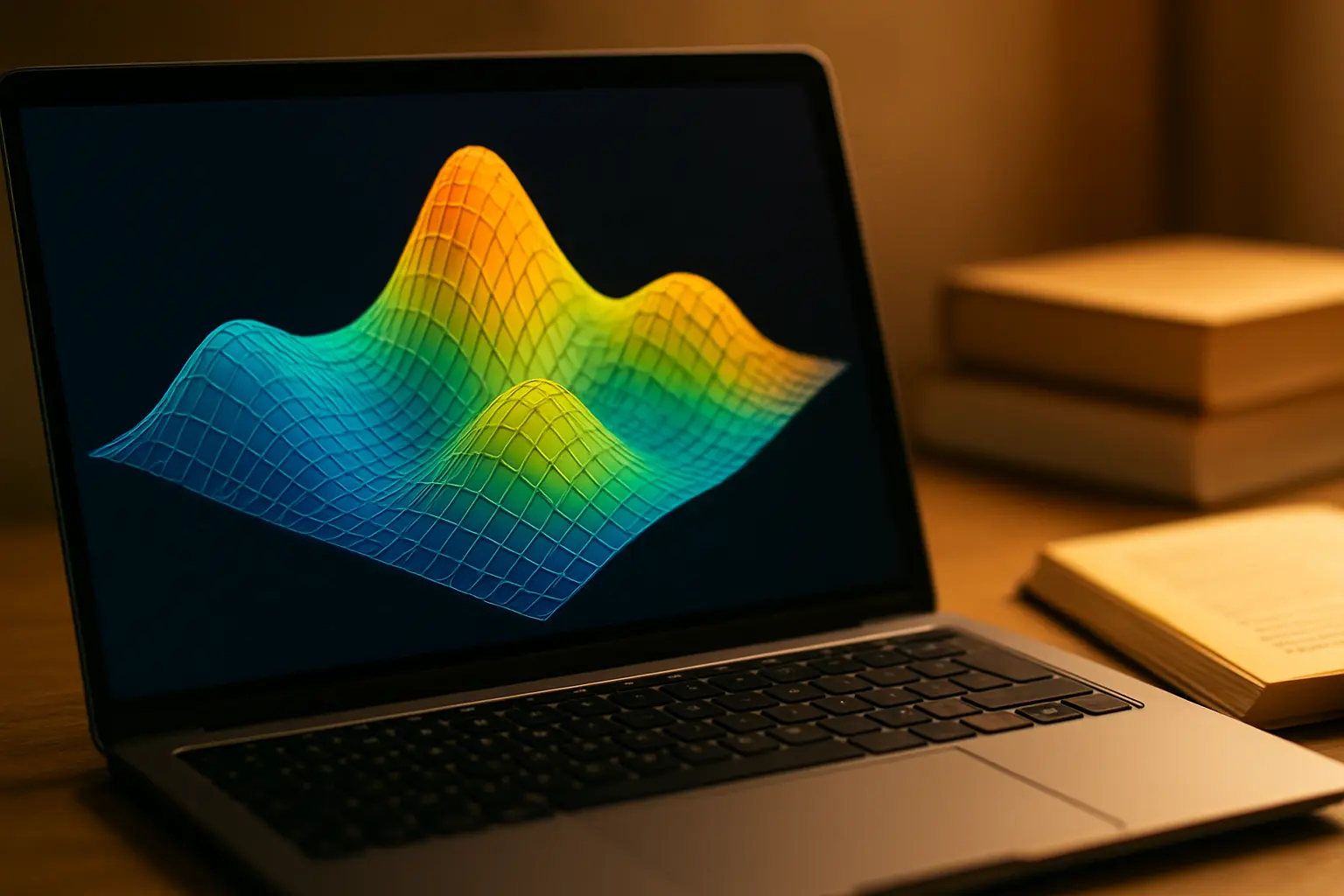
Where a mechanical, structural or thermal dissertation needs finite element analysis or computational fluid dynamics, Ansys Student is a genuinely free bundle covering Ansys Mechanical, Ansys CFD, Ansys Discovery and several other modules, downloadable directly from the vendor for students without needing an institutional licence. It is renewable and installs on any supported 64-bit Windows machine. The free student tier carries mesh-size and model-complexity limits compared with the full commercial licence — for an undergraduate dissertation this ceiling is rarely the binding constraint, but check it against your specific model’s scale before committing your whole analysis chapter to it.
3. SolidWorks — for Mechanical CAD and Product Design
For a dissertation involving 3D part or assembly design, SolidWorks remains a common departmental standard, but unlike ANSYS it is typically licensed to your department’s computer labs and made available through your course rather than offered as an always-free personal download. Confirm with your department whether a student or home-use licence is available before assuming you can install it on your own machine — the access route varies noticeably between universities.
4. AutoCAD — for Drafting and Technical Drawings
Where the dissertation’s output is primarily technical drawings rather than a full 3D parametric model — common in civil and structural engineering — AutoCAD is available free to verified students through Autodesk’s education access programme, which is the more straightforward free route of the CAD tools compared here.
5. Python — for Custom Analysis Beyond What a GUI Tool Offers
Where your dissertation needs a bespoke numerical method, a large or awkwardly formatted dataset, or automation across many files, Python’s NumPy, SciPy and pandas libraries do most of what MATLAB does at zero cost, with the trade-off that you write the code yourself rather than using MATLAB’s more guided toolbox interfaces. For students already comfortable with Python from earlier modules, this is often the faster route for pure data analysis; for control-systems or signal-processing work with heavy toolbox support, MATLAB usually still wins on development speed.
6. Excel — for Small Datasets and Early Exploration
Excel remains a reasonable choice for small datasets and quick exploratory charts before a full analysis is built in a dedicated tool, but it is rarely defensible as the sole analysis tool for a dissertation’s main results chapter once the dataset or the required statistics grow beyond what a spreadsheet formula can transparently show its working for.
Free Open-Source Alternatives Worth Knowing About
Where a campus licence is not available and a paid student suite is not affordable, two free open-source tools are worth knowing about specifically because they mirror the commercial tools above closely enough that switching later is manageable. GNU Octave is a free, open-source numerical computing environment largely syntax-compatible with core MATLAB, making it a workable fallback for coursework that does not depend on MATLAB-specific toolboxes or the Simulink graphical environment. FreeCAD is a free, open-source parametric 3D CAD package that covers much of the same ground as SolidWorks for part and assembly modelling, though its interface and some advanced features differ enough that switching to it partway through a project built in SolidWorks is not a trivial like-for-like swap. Neither should be assumed equivalent to its commercial counterpart in every respect — check your specific project’s requirements (a toolbox, a file format your supervisor needs, a plug-in your department uses) before committing a whole dissertation to the open-source route this late.
How Do I Check What My University Already Gives Me Free?
- Check your department’s software page or IT services site first. Most UK engineering departments list exactly which tools carry a campus-wide licence.
- Create vendor accounts with your university email. MathWorks, Autodesk and Ansys all use your institutional email to confirm free student or campus access — do this before assuming you need to pay.
- Ask your module leader which tool the department actually expects. A dissertation using a non-standard tool is not penalised for that alone, but it removes the chance of hands-on help from staff who know the department’s usual choice.
- Confirm mesh, model-size or feature limits on free student tiers before committing. ANSYS Student in particular carries limits versus the full commercial licence that are worth checking against your specific model before you build your whole methodology around it.
Our Recommendation
For most UK undergraduate engineering dissertations: if your work is control systems, signals or general numerical modelling, start with MATLAB via your campus licence. If it is structural, thermal or fluid-flow analysis, ANSYS Student is the strongest free option available directly from the vendor. If it is 3D mechanical design, check your department’s SolidWorks access before assuming either a cost or free availability. If your output is primarily 2D/3D technical drawings, AutoCAD’s free education access is the most straightforward route. And if your analysis needs custom methods beyond any GUI tool’s built-in functions, Python costs nothing and scales further than a spreadsheet. Whichever you choose, the deciding factor should always be what your specific model or dataset needs, not which tool happens to be free — a free tool that cannot do the job costs more time than a licensed one that can.
Whichever tool produces your results, our guide to engineering dissertation data sources covers where to find the standards-body datasets and repositories most of these tools will actually be analysing. And if your dissertation sits at Imperial specifically, our guide to Imperial College London’s engineering dissertation requirements covers the handbook’s own expectations for how analysis and results should be presented.
What Mistakes Cost the Most Time Here?
- Paying for a tool your university already licenses for free. Always check institutional access before buying a student edition.
- Choosing a tool because it is familiar, not because it fits the analysis. A student comfortable with Excel but needing genuine FEA will lose more time forcing the wrong tool than learning ANSYS from scratch.
- Not checking free-tier limits before the analysis is built around them. Discovering a mesh-size cap in week 10 after your whole methodology assumed no such limit is avoidable with a five-minute check in week 1.
- Assuming SolidWorks is a free download like ANSYS. The two tools’ access routes are genuinely different — confirm your department’s specific arrangement rather than assuming parity.
- Switching to an open-source alternative too late. Moving from SolidWorks to FreeCAD, or MATLAB to Octave, partway through a project is far cheaper in week 2 than week 10 — decide early if budget is a genuine constraint.
Once your analysis is built, Tesify drafts the methodology and results chapters around the tool and data you specify. Everything stays 100% written by you, and it is free to start.
Frequently Asked Questions
Is MATLAB free for UK engineering students?
Often yes, if your university holds a campus-wide licence — check by creating a MathWorks account with your student email before assuming you need to buy the student suite separately.
Is ANSYS actually free for students?
Yes — Ansys Student is a free, renewable download bundle available directly from the vendor, though it carries mesh-size and complexity limits compared with the full commercial licence.
Do I need to buy SolidWorks myself?
Usually not, but access is typically through your department’s computer labs rather than a personal free download — check with your course before assuming either way.
Is Python a serious alternative to MATLAB for an engineering dissertation?
Yes, for many analysis tasks, particularly where you are comfortable coding — NumPy, SciPy and pandas cover much of the same ground for free, though MATLAB’s toolboxes remain faster to use for heavily guided control-systems or signal-processing work.
What software do civil engineering dissertations typically use?
AutoCAD for drawings is common, alongside discipline-specific structural analysis packages your department may license separately — check your own module’s expectations.
Can I use Excel for my whole engineering dissertation analysis?
For very small datasets, possibly, but most engineering analysis chapters outgrow what a spreadsheet can transparently show, and a dedicated tool is expected once the dataset or statistics grow beyond simple charts.
Does the software I use need to match what my department teaches?
Not strictly, but using the department’s standard tool means you can get hands-on help from staff and peers who already know it — a non-standard choice is not penalised alone, but it removes that support.
What if the free tier of my chosen tool cannot handle my model?
Check the specific limit (mesh size, model complexity, sample count) against your project early — most departments can arrange access to the full licence for a dissertation that genuinely needs it, but this needs requesting well before your analysis chapter is due.
Are GNU Octave and FreeCAD good enough to replace MATLAB or SolidWorks entirely?
For many undergraduate tasks, yes, but check whether your specific project depends on a toolbox, plug-in or file format only the commercial tool provides before committing a whole dissertation to the open-source route.