| Tool category | Options compared | Best for a UK CS dissertation |
|---|---|---|
| Version control | GitHub vs GitLab vs Bitbucket | GitHub — free private repos, and markers already know how to navigate it |
| Write-up | Overleaf/LaTeX vs Microsoft Word | Overleaf — algorithms, code listings and equations format correctly by default |
| Diagramming | draw.io vs Lucidchart vs PlantUML | draw.io — free, exports clean UML/architecture diagrams, no account needed |
| Testing | pytest vs JUnit vs Jest | Whichever matches your project’s language — the point is having one at all |
| Reproducible environment | Docker vs a plain virtual environment | A virtual environment (venv/conda) unless your marker needs to run a multi-service system |
A computer science dissertation is graded on two separate things — the written report and, usually, a working artefact your marker can inspect or run — and each needs its own tool, not the general-purpose dissertation stack (Word, a reference manager, a survey platform) that suits most other subjects. Here is the stack that actually earns marks, ranked, with what each tool is for and where it is overkill.
1. Version control: GitHub, and use it properly from week one
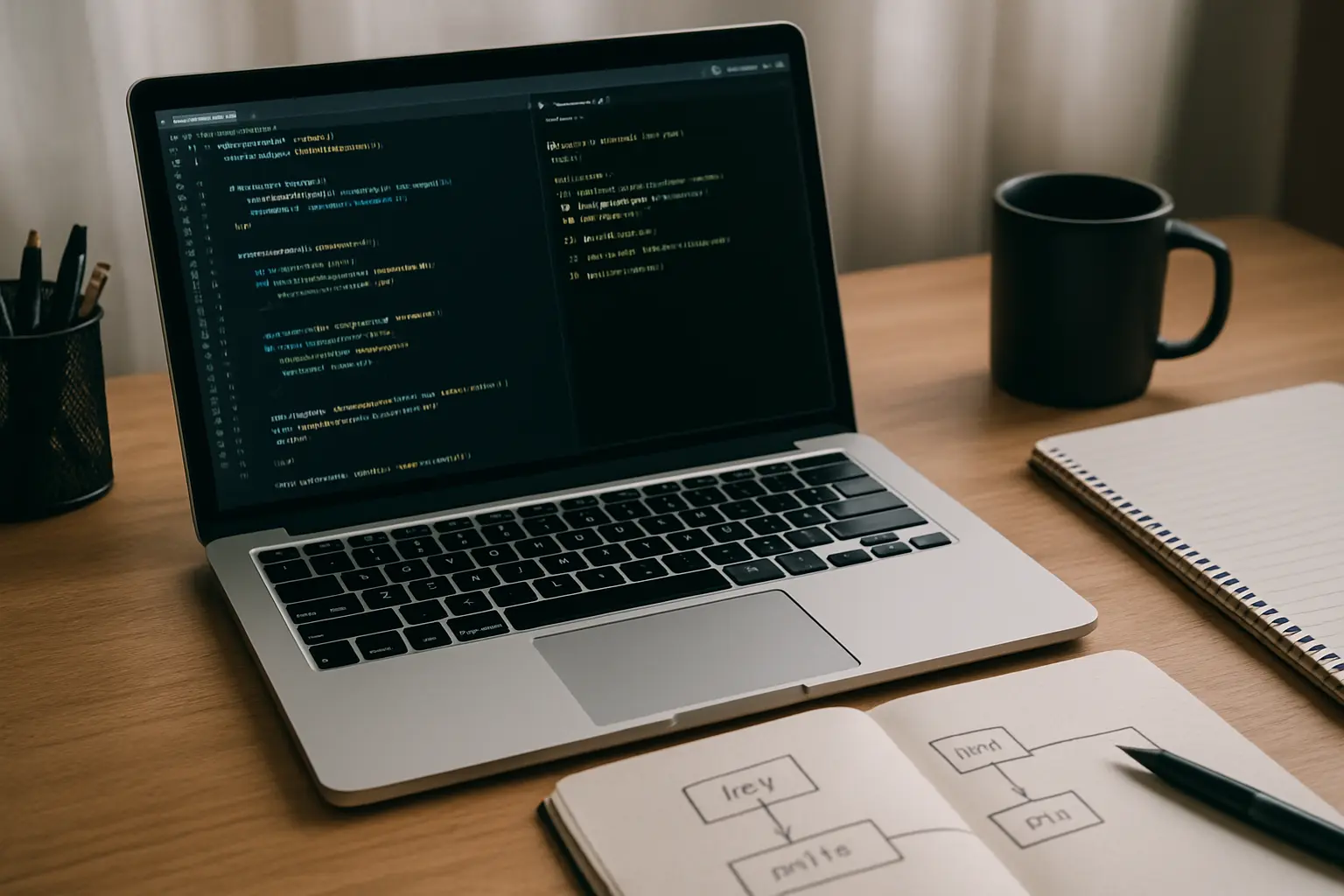
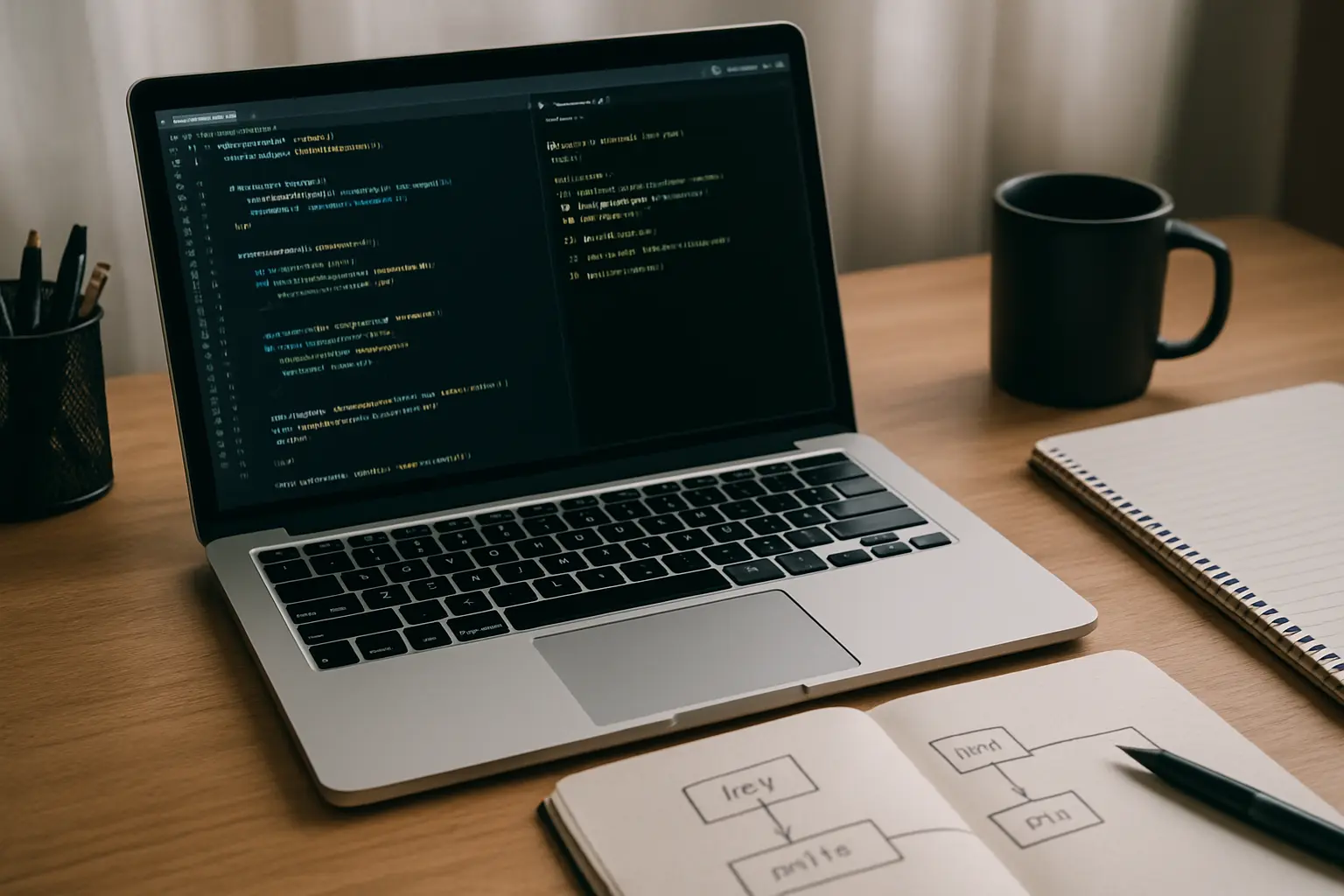
Almost every UK computer science dissertation now expects a linked GitHub (or GitLab) repository as evidence of how the project was actually built — a marker checking your commit history can tell the difference between steady, incremental development and a project written in the final fortnight, which is itself a data point in how your process is assessed. GitHub is the default because it is free for private repositories, integrates with the CI tools most students already know from coursework, and needs no onboarding for a marker who wants to look. The habit that actually earns marks is small, frequent, descriptively-messaged commits rather than a handful of enormous ones — “implement input validation for the login form” is gradeable evidence of process; “final version 3 FINAL” is not. GitLab and Bitbucket are functionally comparable and worth choosing instead only if your department already standardises on one of them or you specifically need GitLab’s built-in CI/CD pipelines for a larger project.
2. The write-up: Overleaf and LaTeX for anything with algorithms or heavy notation
Word can produce a perfectly acceptable computer science dissertation, but it strains badly the moment your report includes pseudocode, mathematical notation, numbered equations, or code listings that need to keep their formatting and line numbers intact across edits — all common in a CS report and all things LaTeX handles natively. Overleaf removes the traditional barrier to LaTeX (a local install and a steep initial learning curve) by running it in the browser with real-time collaboration, which matters if you are working with a supervisor who reviews drafts directly. The trade-off is a genuine learning curve if you have never used LaTeX before — budget a few hours early in the project to learn the basics of sections, citations and code-listing packages, rather than discovering LaTeX syntax for the first time two weeks before submission.
3. Diagramming: draw.io for architecture and UML
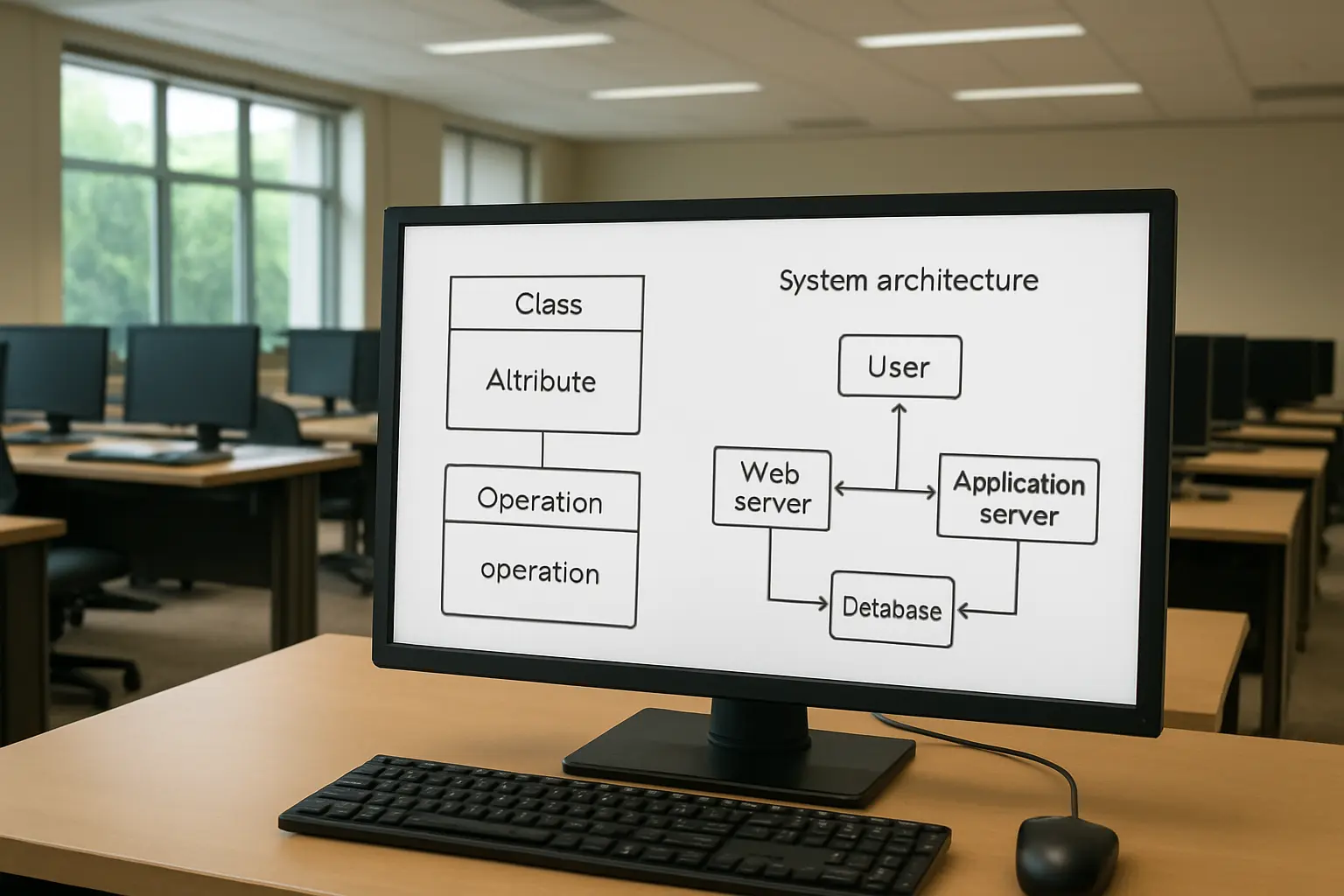
A system architecture diagram, a UML class diagram or a data-flow diagram is expected in most CS dissertation reports, and draw.io (also branded diagrams.net) produces clean, exportable versions of all three for free, with no account required and direct export to the vector formats that keep diagrams sharp in a PDF. Lucidchart offers a smoother interface but gates most useful features behind a paid tier; PlantUML is worth learning only if your project already involves writing diagrams as code (useful for auto-generating UML from your actual class structure, but a genuinely steeper learning curve than a drag-and-drop tool for a one-off dissertation diagram).
4. Testing: whichever framework matches your language, used consistently
Which specific framework you use — pytest for Python, JUnit for Java, Jest for JavaScript — matters far less than whether you can show a marker a working, documented test suite at all. A dissertation that claims “the system was tested thoroughly” with no test file in the repository and no test results in the evaluation chapter is making an unevidenced assertion, exactly the kind of gap examiners are trained to spot. Aim for tests that cover the core logic your evaluation chapter actually discusses, not maximum coverage for its own sake — a smaller, well-explained test suite tied directly to your evaluation criteria outperforms a large, unexplained one. For how to present what your tests and evaluation actually found, see our guide to writing the evaluation chapter of a computer science dissertation.
5. Reproducible environment: a virtual environment first, Docker only if you need it
If your marker needs to run your code, the single most common failure mode is a dependency mismatch between your machine and theirs — a package version, a missing library, a path that only exists on your laptop. A language-native virtual environment (Python’s venv or conda, Node’s package-lock.json) solves this for most single-service dissertation projects with almost no setup cost. Docker is genuinely useful once your project involves multiple services that need to run together (a web front end, an API, a database), but for a single-script or single-app dissertation it adds a layer of complexity — and a Docker-specific failure mode of its own — that most examiners will not expect and most projects do not need.
6. Project management: a lightweight board beats a heavyweight one
A solo dissertation project does not need Jira — it needs a place to see what is left to do, and a Trello board, a GitHub Projects board (which lives next to your code and issues with no extra sign-up) or a simple Notion page all do that job adequately. The value is not the tool but the habit of breaking the project into small, checkable tasks tied to your timeline, so that a slipping deadline shows up as a visibly growing backlog rather than a vague feeling of being behind. GitHub Projects has the specific advantage of linking tasks directly to issues and pull requests in the same repository your marker may already be looking at, which keeps your planning evidence in one place rather than scattered across separate tools.
Do you need a CI/CD pipeline for a dissertation project?
Rarely, and it is worth being honest with yourself about whether setting one up is solving a real problem or delaying the actual implementation work. A continuous integration pipeline that automatically runs your test suite on every commit (via GitHub Actions, free for public and most private student repositories) is genuinely useful once a project has grown complex enough that you might otherwise forget to run tests before committing — but for a project built solo over one or two terms, manually running your test suite before each commit achieves the same reliability without the setup and debugging overhead of a pipeline configuration that has nothing to do with your actual research question. If your project already needs to demonstrate DevOps practice as part of its brief, GitHub Actions is the natural choice, since it lives in the same platform as your version control with no separate account.
What about reference management?
The same reference managers every other UK dissertation uses apply here — a computer science dissertation cites academic papers and technical documentation the same way any other subject cites its literature. See our comparison of Zotero, Mendeley and EndNote if you have not already settled on one; there is nothing CS-specific about this choice, which is exactly why it is not repeated in the stack above.
The one clear recommendation
For the large majority of UK computer science dissertations: GitHub for version control from day one, Overleaf for the write-up if your report includes any algorithms, notation or code listings, draw.io for your architecture and UML diagrams, a language-matched test suite you can point to directly in your evaluation chapter, and a plain virtual environment rather than Docker unless your project genuinely spans multiple services. This combination is free, needs almost no setup time relative to the marks it protects, and produces exactly the kind of auditable process trail a computer science marker is trained to look for. Set the repository up in week one, not once development starts in earnest — a project history that begins with an empty “initial commit” on the day you received your project brief reads very differently from one that begins two months in, and the difference is visible to anyone who opens the commit log.
Frequently asked questions
Do you need a public GitHub repository, or can it stay private?
Private is standard and expected — a dissertation project is your own unpublished academic work, and most departments want the repository shared only with the marker or supervisor via a private invite, not made public before submission.
Is Overleaf’s free tier enough for a dissertation?
Yes for most solo dissertations — the free tier supports one collaborator on a project alongside you, which normally covers a supervisor review, though very long documents with many collaborators may need the paid tier’s higher collaborator limit.
What if your department requires Word, not LaTeX?
Follow the department’s requirement — some computer science programmes standardise on a Word template with specific formatting for consistency across the cohort, in which case LaTeX’s benefits are not worth fighting the required format for.
Do examiners actually check the commit history?
Increasingly, yes, particularly where the marking criteria explicitly assess development process rather than only the final artefact — check your own module’s assessment criteria for whether “evidence of iterative development” or similar language appears.
Should you write your own testing framework instead of using an established one?
No — using an established, well-known framework (pytest, JUnit, Jest) is itself evidence of professional practice; a home-made testing approach reads as avoiding a standard tool rather than as extra effort.
Can you use AI coding assistants for a computer science dissertation project?
Check your department’s specific policy before relying on one — AI-assisted code and AI-assisted prose are usually governed by the same academic integrity policy, but some CS departments have separate, more permissive rules for code-completion tools than for prose, and some do not; do not assume either default without checking.
What if your project does not produce a runnable artefact at all?
A theoretical or fully evaluative CS dissertation (a systematic comparison of existing algorithms, for instance, with no new implementation) still benefits from version-controlling your analysis scripts and data files in the same way, even without a “system” for a marker to run.
How do you back up your written chapters, separately from your code?
Git is built for code and structured text, not for tracking every draft of a long prose document the way cloud storage does — see our comparison of cloud storage and version history tools for a dissertation for the write-up itself, distinct from the code repository covered here.
Is GitHub Copilot or a similar tool different from ChatGPT for integrity purposes?
Not automatically — both are AI-assisted generation, and a university’s policy on AI-assisted work generally does not distinguish between a chat interface and an inline code-completion tool unless it says so explicitly. Declare AI-assisted code the same way you would declare AI-assisted prose, per your department’s policy, rather than assuming a coding tool is exempt because it feels more like autocomplete.
What should you do with the repository after submission?
Keep it — a clean, well-documented public repository (once any confidentiality concerns are cleared and the marking period has closed) is a genuine portfolio asset for job applications, and converting a private dissertation repo to public after results are confirmed costs nothing and adds real value.
Does using these tools affect your marking criteria?
Indirectly — see our breakdown of what UK dissertation marking criteria actually reward for how process evidence, presentation and technical execution are weighted relative to each other at your institution.
Tesify’s dissertation builder handles the write-up side of this stack — structuring chapters, keeping citations consistent, and formatting code listings and references cleanly — while your version control and testing tools stay exactly where they belong, in your repository. Try Tesify free for the parts of the dissertation that are not your code.