“I searched Google Scholar” is the sentence that costs marks in a methods chapter. Not because Google Scholar is bad, but because a literature search a marker cannot reproduce is not a method. Here is the comparison first, then the verdict, then the mechanics that make any of these tools work properly.
| Google Scholar | Your library discovery service | Scopus / Web of Science | Subject databases | |
|---|---|---|---|---|
| Cost to you | Free | Free with your login | Free if your university subscribes | Free if your university subscribes |
| What it covers | Very broad, undisclosed scope; journals, books, theses, preprints, grey literature | Everything your library holds or licenses, plus its e-book and repository content | Curated, selective citation indexes of peer-reviewed literature | One discipline in depth |
| Controlled vocabulary | None | Limited | Some | Yes — MeSH, CINAHL Headings, APA Thesaurus, ERIC Descriptors |
| Boolean and field searching | Basic; long queries are truncated | Good | Excellent, with proximity operators | Excellent |
| Reproducible result set | No — results vary and cannot be reliably re-run | Largely | Yes | Yes |
| Full-text access | Patchy; hits paywalls constantly | Best — routed through your subscriptions | Links out to full text | Often full text within the platform |
| Quality filtering | None — indexes predatory journals alongside everything else | Library-curated | Selective inclusion criteria | Selective |
| Best for | Scoping, chasing citations, finding a known paper | Getting the full text of anything | A defensible, documented search | Depth and precision in your field |
The shortlist, ranked for a dissertation
1. Your subject database — where the marks are
For a dissertation literature search, the discipline-specific database beats everything else, because it indexes its field with a controlled vocabulary: an agreed set of subject headings applied by humans to every record. That is what lets you find the papers whose authors used a different word from yours. A search for “teenagers” misses every paper that said “adolescents”; a search on the subject heading finds both.
The relevant one depends on your field — health and nursing students work in CINAHL and PubMed, psychology in PsycINFO, education in ERIC, business in the major business databases, law in Westlaw and LexisNexis. Your library’s subject guide names yours. Where it falls short: coverage stops at the discipline boundary, which is a real problem for genuinely interdisciplinary topics, and each platform’s syntax differs slightly.
2. Your library discovery service — the access layer
The single search box on your library homepage searches across most of what your institution holds and licenses, and its decisive advantage is that everything it returns, you can actually read. No paywalls, no hunting for a PDF, no emailing authors.
Use it as your access route and for finding books, which the citation indexes handle poorly. Where it falls short: precision. It is built for breadth and convenience, so a well-constructed query returns thousands of loosely relevant results. It is not the right instrument for a documented, systematic search.
3. Scopus or Web of Science — the defensible search
These are curated citation indexes with selective inclusion criteria, strong field-level searching and proper proximity operators, and they let you move through the literature by citation: find one central paper, then see everything that has cited it since. That is the fastest legitimate way to bring an older reading list up to date.
Where they fall short: your university may subscribe to one, both or neither, and their selectivity cuts both ways — the curation that keeps rubbish out also keeps out smaller journals, non-English scholarship and most grey literature.
4. Google Scholar — start here, never finish here
It is genuinely excellent at three jobs: finding a paper you already know exists, discovering what has cited it, and getting a rough sense of a new field in twenty minutes. Its coverage is enormous and it surfaces theses and reports the subscription databases ignore.
Where it falls short, and why it cannot be your only source: its scope is undisclosed, so you cannot state what you searched; results are not stable, so your search cannot be reproduced; its Boolean support is limited and long queries get truncated; and it applies no quality filter whatsoever, indexing predatory journals beside the Lancet. A methods chapter that names only Google Scholar is describing a browse, not a search.
The recommendation
Use your main subject database as the search you document, your library discovery service to obtain the full text, and Google Scholar for citation chasing and scoping. Two databases plus one supplementary route is plenty for an undergraduate dissertation, and it is far more defensible than five superficial searches. Name them all in your methods, with the date you searched.
The mechanics that make any database work
Most students’ searches fail on construction, not on platform choice. Five techniques do nearly all the work.
- Break the question into concepts. Two or three, no more. “Does peer mentoring reduce anxiety in first-year students?” is peer mentoring, anxiety, university students.
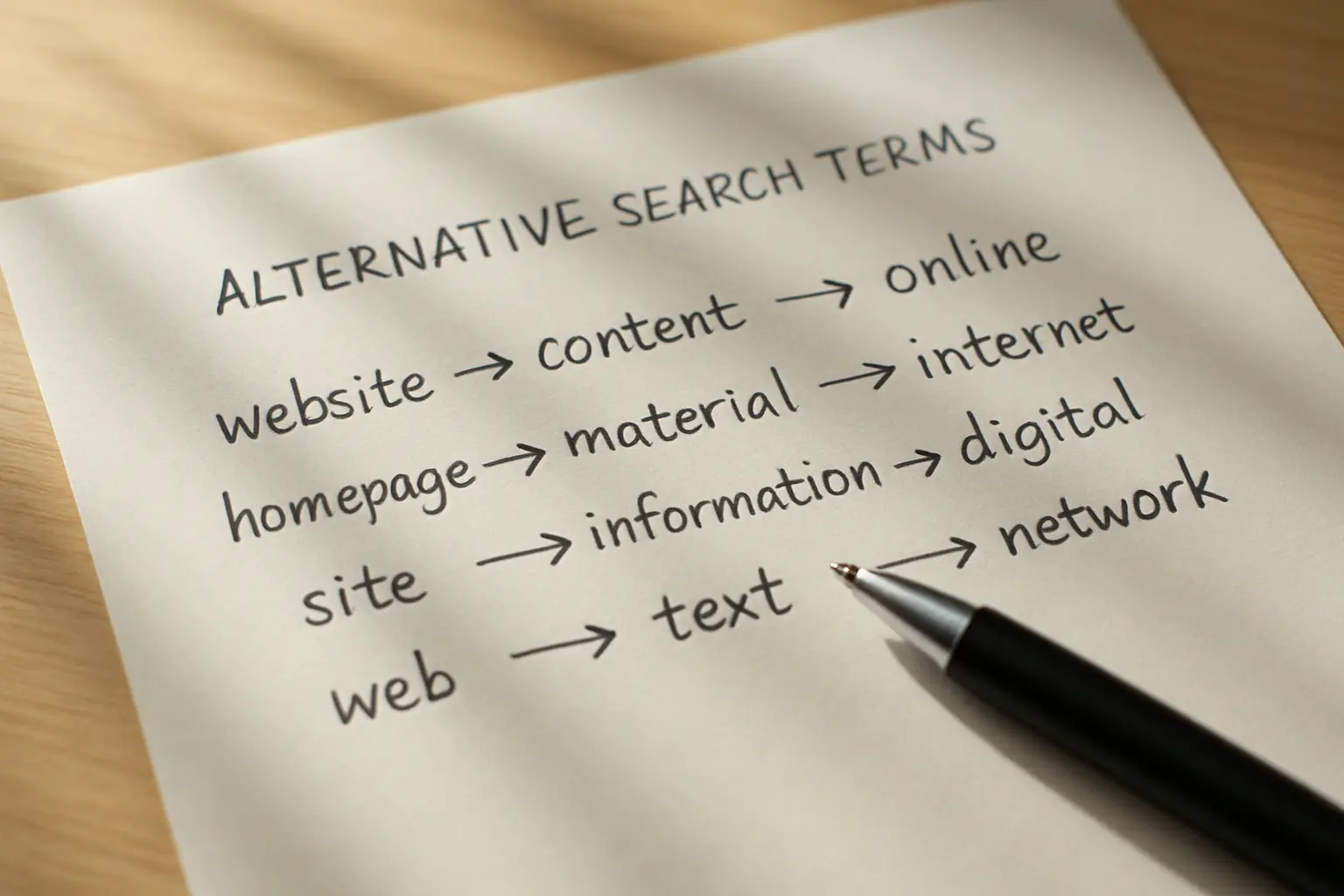
- List synonyms down each concept. Anxiety, stress, worry, psychological distress. Include British and American spellings — behaviour and behavior — and the terms older papers used.
- Combine with OR inside a concept and AND between concepts.
(anxiety OR stress OR "psychological distress") AND ("peer mentoring" OR "peer support") AND (undergraduate* OR "first year"). OR widens, AND narrows: that one sentence is most of Boolean searching. - Truncate and phrase-search. An asterisk catches word endings, so
adolescen*returns adolescent, adolescents and adolescence. Quotation marks hold a phrase together, so “peer mentoring” is not treated as two loose words. - Add the subject headings. Find one paper that is exactly right, open its record, see which headings it was indexed under, and add those to your search. This one habit lifts more searches than any other.
Then apply limits deliberately — date range, peer-reviewed, English language, human participants — and be ready to justify each one, because every limit is an inclusion decision your marker may ask about.
Two UK-specific routes worth knowing
EThOS is back. The British Library’s E-Theses Online Service, offline for a long period after the library’s cyber-attack, is available again following restoration work, and holds metadata for over 650,000 UK doctoral theses from the 1700s onwards. Its shape has changed: it is now a discovery platform, so records carry an “Access thesis from university” button that links to the university repository where the full text may be downloadable, rather than serving the file itself. The British Library notes a backlog still being worked through and that not every thesis is available from its repository.
For an undergraduate the value is indirect and considerable: find a doctoral thesis on your topic, and you have a literature review written by someone who spent three years on it, with a reference list you can mine. Read it as a map, cite the primary sources it points you to, and never cite a paper you found in its bibliography without reading that paper yourself.
Institutional repositories and open-access aggregators fill the gaps left by subscription databases, and are where you will find UK reports, working papers and policy documents that never reach a journal. If your project needs data rather than literature, that is a different search entirely, mapped in our guide to UK data sources by subject.
Keep a search log from the first search
Open a table now and fill in a row every time you search: database, exact search string, limits applied, date searched, results returned, results kept. It takes thirty seconds per search and it is the difference between a methods chapter you write in an hour and one you reconstruct over a miserable weekend.
If your dissertation is a structured or systematic review rather than an empirical study, this log is not optional — it becomes your screening figures, and the whole reason to record numbers at each stage is that you cannot recover them later. Which kind of review your department expects is worth settling before you search at all; see literature review versus systematic review. If yours is a health review, the appraisal stage that follows is covered in our guide to CASP checklists.
Everything you keep should go straight into a reference manager as you find it, not in a panic at the end — the trade-offs are in our comparison of Zotero, Mendeley and EndNote. And the synthesis that follows, including where AI assistance is legitimate and where it is not, is set out in our guide to writing a literature review with AI, honestly.
When the reading is done and the chapter has to be written, Tesify can structure and draft it around your own sources — 100% written by you, with the bibliography maintained as you cite.
Frequently asked questions
Is it acceptable to use Google Scholar for a dissertation?
As one route among several, yes — for scoping and citation chasing it is excellent. As your only named source it is a weakness, because its coverage is undisclosed and its results are not reproducible, so no marker can verify what you searched.
How many databases should I search?
Two well-chosen databases plus a supplementary route is normally sufficient for an undergraduate dissertation. A full systematic review requires more and a documented rationale for each. Depth of search construction matters more than breadth of platform.
What is a controlled vocabulary and why does it matter?
It is a standardised set of subject headings applied by indexers to every record, such as MeSH in PubMed or CINAHL Headings. It finds papers whose authors used different words from yours, which free-text searching cannot do.
How do I know when to stop searching?
When new searches return papers you have already seen, and when the reference lists of your key papers point back into your existing set. That saturation point is a reasonable stopping rule for a narrative review, and you should state it.
Should I limit my search to the last ten years?
Only if you can justify it. Date limits make sense where a field has changed rapidly or a policy shifted, and they are indefensible where a seminal paper sits outside the window. Either way, state the limit and the reason.
Can I include grey literature?
Yes, and for policy-facing topics you should — government reports, statistics and charity research are often the best available evidence. Appraise them as carefully as journal articles, and say in your methods that you included them.
What do I do when I cannot access a paper?
Try your library discovery service first, then your library’s inter-library loan service, then look for an author-deposited version in an institutional repository. Never cite an abstract as though you had read the paper.
Is EThOS working again?
Yes. It is available again after restoration work and holds metadata for over 650,000 UK doctoral theses. It now links out to the university repository for the full text rather than serving the file itself, and the British Library notes there is still a backlog and that not every thesis will be available.
How do I write the search up in my methods?
Name each database, give the full search string, list your limits and inclusion criteria, give the date searched and report how many results each search returned. If you kept a log from the start this is a twenty-minute job.
Can I use AI tools to find sources?
Treat anything a general-purpose tool suggests as a lead, never as a citation — fabricated references that look entirely plausible are a known failure mode. Verify every source in a real database and read it before it enters your chapter.