Every mainstream cloud service keeps old versions of your files for less time than a dissertation takes to write. That is the finding that matters, and none of the marketing pages mention it: a nine-month project is longer than the default retention window of the tool most students trust to protect it.
| Dropbox Basic (free) | Google Drive | University OneDrive / Microsoft 365 | |
|---|---|---|---|
| Cost to you | Free | Free tier, or via a university Google Workspace account | Free while you are enrolled |
| Version history kept | “Dropbox Basic, Plus, and Family customers have 30 days” | An uploaded file’s version “might be permanently deleted after 30 days or if there are 100 newer versions” | Whatever your institution’s administrators have configured — limits are set “at organization, site, library or OneDrive user account level” |
| Native document history | Not applicable | Google Docs history is handled separately from uploaded files | Word files stored in OneDrive carry Microsoft 365 version history |
| Can you pin a version? | No pinning on Basic | Yes — the “Keep forever” option prevents automatic deletion | Not by the student; limits are administrator-controlled |
| Where deleted versions go | Recoverable within the retention window | Recoverable until automatically deleted | Versions trimmed by a limit are permanently deleted and “can’t be recovered from recycle bin” |
| Access after you graduate | Keeps working — the account is yours | Personal account keeps working; a university account does not | Ends with your enrolment |
| Best for | A permanent personal copy you control | Live drafting with a genuinely long history, if you pin | The working copy, because your institution already pays for it |
The shortlist, ranked
1. Your university OneDrive or Google Workspace — the working copy, not the archive
Who it suits: everyone, for day-to-day drafting. It is already provisioned, the storage allowance is generous, and Word or Docs autosaves into it without you thinking about it.
Where it falls short: two ways, and both are invisible until they bite. First, you do not control the retention policy. Microsoft’s own documentation is explicit that version history limits “can be set at organization, site, library or OneDrive user account level” by administrators, using either an automatic setting or a manual one that combines a version count with an expiry period. Second, when versions are trimmed to meet a limit, they are gone: “When versions exceed the limits set at the library, versions matching the criteria are marked for permanent deletion. This version deletion workflow bypasses the normal recycle bin and the deleted versions can’t be recovered from recycle bin.”
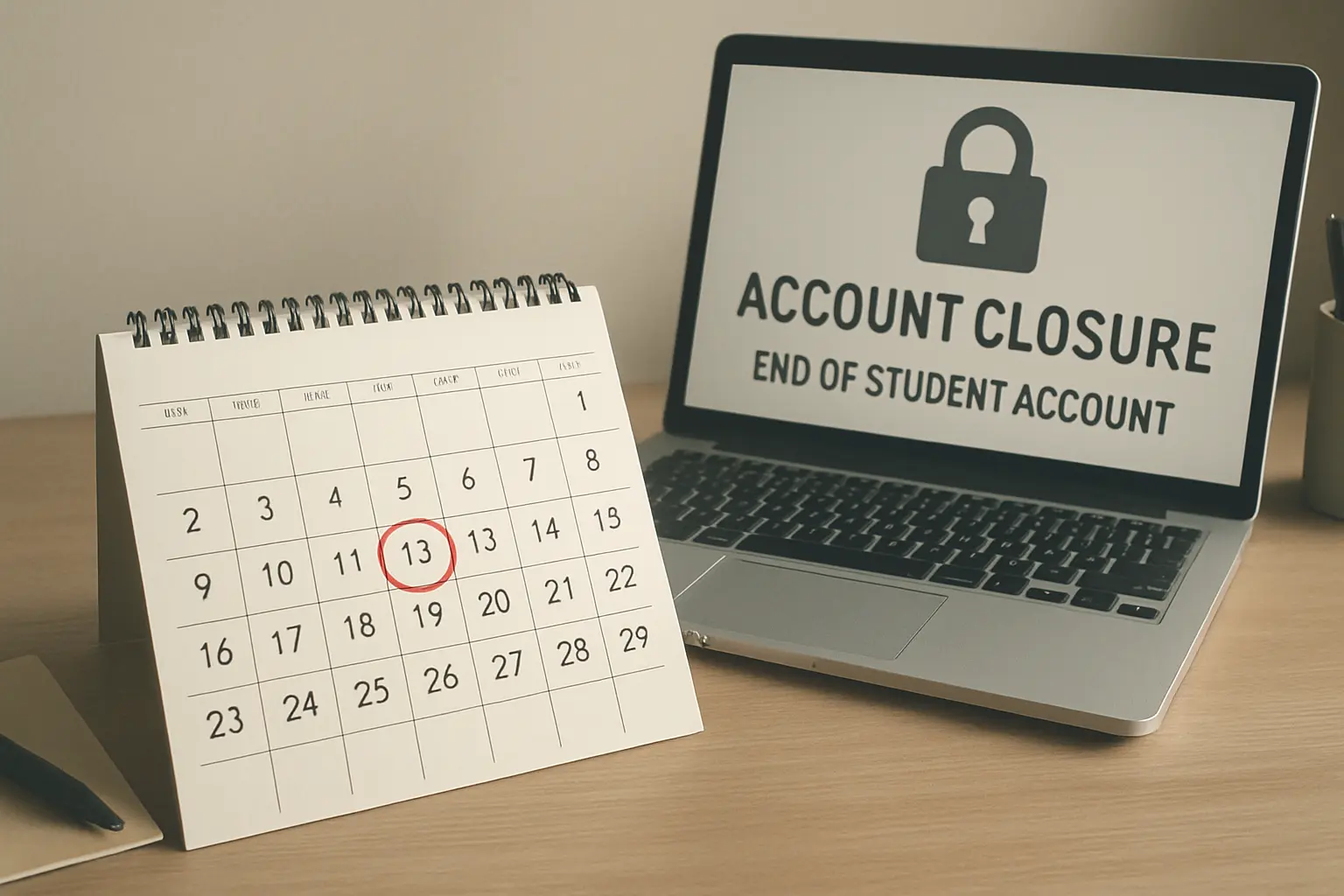
And it expires with you. A university account ends at or shortly after graduation. This is the same trap that catches students with an SPSS site licence, described in our comparison of SPSS, R and jamovi — the difference is that losing your statistics package costs you an afternoon, while losing the only copy of your dissertation costs you the dissertation.
2. Google Drive — the only one that lets you pin a version yourself
Who it suits: anyone drafting in Google Docs, and anyone who wants a specific milestone draft kept indefinitely without paying for it.
Where it falls short: the default for uploaded files is short. Google states that a version “might be permanently deleted after 30 days or if there are 100 newer versions”. On a document you save several times a day, the 100-version ceiling can arrive well before the 30 days do. Google also notes that “version history for Google Docs, Sheets, and Slides is different than history for .pdf files, images, and other files stored in Drive”, so a Word file you dragged into Drive is not protected in the same way as a native Doc.
The feature that makes it worth using: “Keep forever”. Pinning a version stops the automatic deletion for that version. Pin one at the end of every chapter and you have a permanent, dated milestone trail for the cost of four clicks.
3. Dropbox Basic — a good second location, a poor archive
Who it suits: students who want a copy in a second company’s infrastructure, which is a real form of protection that duplicating within one provider does not give you.
Where it falls short: the free retention window is the shortest of the three and it is fixed. Dropbox’s help documentation sets out the tiers plainly: “Dropbox Basic, Plus, and Family customers have 30 days”; “Dropbox Professional, Essentials, Business, and Standard customers have 180 days”; “Dropbox Business Plus, Advanced, and Enterprise customers have 365 days”. Note where paying gets you: the consumer paid tier, Plus, buys storage but not a longer history — it is still 30 days.
That is the detail worth taking away from the whole comparison. Upgrading the obvious way does not fix the problem you actually have.
The recommendation
Draft in your university OneDrive or Google Drive, pin or export a dated milestone at the end of every chapter, and keep those milestones in an account that will still be yours after you graduate.
Concretely, and free:
- Work in the institutional account. It is provisioned, it autosaves, and it is where your supervisor can see shared drafts.
- At the end of every chapter, export a dated copy —
surname-chapter3-2026-11-14.docx— into a personal account you own. A chapter is the right unit because it is also the unit your word budget is planned in, as our survey of undergraduate dissertation word counts sets out. Once a fortnight is enough in between; nobody manages this daily, and a system nobody follows protects nothing. - Pin the milestone where you can. On Google Drive, “Keep forever” on the version you exported.
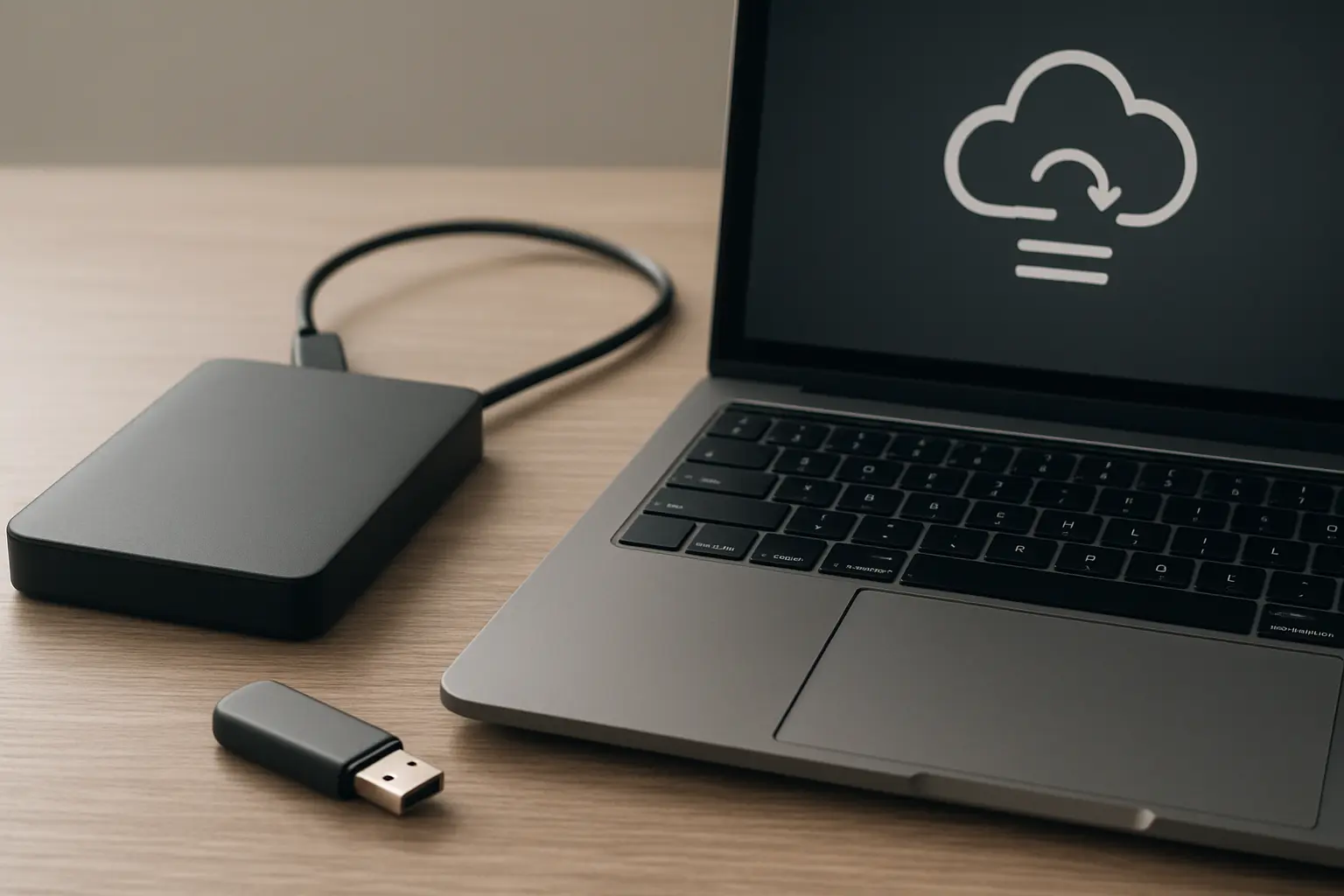
- Keep one offline copy on a drive or stick that is not synced to anything, updated at the same fortnightly checkpoint. This is the copy that survives a compromised account or a deletion that syncs everywhere.
- Test a restore once, early, on a throwaway file. A backup you have never restored from is an assumption.
Sync is not backup, and this is where people lose work
The most common way a UK student loses a dissertation is not a dead laptop. It is a deletion, an overwrite or a bad merge that syncs perfectly to every device within seconds, and is discovered weeks later. Hardware failure has an obvious symptom; a silent overwrite does not.
Three specific failure modes are worth naming because each defeats a different part of the setup above.
The tracked-changes accident. Accepting all changes and saving over the original destroys the record of what you had written. Recoverable only if a version predating the save still exists — which is precisely what a 30-day window may no longer hold.
The two-device conflict. Editing the same file on a laptop and a phone offline produces a conflicted copy, and the file left in place is not always the longer one. Check the word count after any sync warning, not the modification date.
The full-drive silent stop. A cloud folder that has exceeded its quota stops syncing while continuing to look like a folder. Nothing has been deleted and nothing has been backed up either. Check that the sync icon says synced, not paused, at every checkpoint.
The second reason to keep your drafts: they are evidence
A version history is not only insurance against loss. It is the record of how the work was made, and that record has two further uses nobody plans for.
The first is defensive. Where a university investigates suspected academic misconduct, the decision is taken on the balance of probabilities — whether one account is more likely than another. A candidate who can produce eight months of dated drafts, search exports and reading notes is answering that question with evidence rather than assertion, as our guide to what happens if you are accused of academic misconduct sets out. The awkward part is the timing: by the time you need that trail, the retention window on the drafts that prove it may already have closed.
The second is that nobody else keeps this record for you. Your dissertation is normally marked anonymously and, where the process works as published, by at least one person who has never met you — the arrangements are set out in our guide to who marks your dissertation and how it is moderated. The institution retains the submitted file, not your working history. A pinned milestone per chapter costs nothing now and cannot be recreated later.
What this comparison deliberately excludes
Note-taking and knowledge-management systems are a different tool class and are not covered here; nor are AI editing tools. Reference libraries are their own problem — a Zotero or Mendeley library is a database as well as a folder, and its sync and backup behaviour is covered in our comparison of Zotero, Mendeley and EndNote. If your bibliography and your chapters live in different places, they need backing up separately, and the reference library is the one people forget.
Nor is any of this a substitute for a document that is coherent in the first place. Tesify holds the structure and the bibliography of your dissertation in one place while you draft it, which removes an entire category of merge-and-overwrite risk — there is one document rather than nine chapter files with inconsistent names. Every word remains 100% written by you, and it is free to start.
Frequently asked questions
How long does Dropbox keep old versions of my dissertation?
Thirty days on the free tier. Dropbox states that “Dropbox Basic, Plus, and Family customers have 30 days”, with 180 days for Professional, Essentials, Business and Standard, and 365 days for Business Plus, Advanced and Enterprise. Paying for Plus does not extend the window.
Does Google Drive delete old versions of my files?
It can. Google states that a version “might be permanently deleted after 30 days or if there are 100 newer versions” for uploaded files, and notes that version history for Docs, Sheets and Slides works differently from history for other files stored in Drive. Use “Keep forever” on any version you want kept.
How long does my university OneDrive keep versions?
For as long as your institution’s administrators have configured, which you cannot see from the file. Microsoft’s documentation states that version history limits “can be set at organization, site, library or OneDrive user account level”, using an automatic setting or a manual combination of version count and expiry.
If a version is deleted from OneDrive, can I get it back from the recycle bin?
Not if it was trimmed to meet a limit. Microsoft states that when versions exceed the configured limits they “are marked for permanent deletion” and that this “bypasses the normal recycle bin and the deleted versions can’t be recovered from recycle bin”.
Is syncing to the cloud the same as having a backup?
No. Sync replicates whatever you do, including deleting and overwriting. A backup is a copy that does not change when the original does. Version history is the feature that bridges the two, which is why its retention window matters more than the storage allowance.
What is the minimum setup I should have?
Three copies in two different places, one of them outside your institution’s account, plus a dated milestone at the end of each chapter. That is achievable entirely on free tiers.
I have overwritten my dissertation. What do I do first?
Stop editing and stop saving, because further saves consume the version history you are about to need. Then check, in order: your word processor’s version history, your cloud provider’s version history for that file, the recycle bin or trash, and any device that has been offline since the change and may still hold the old copy.
Should I email drafts to myself?
It is a crude archive but a genuinely effective one, because each email is an immutable dated copy in a system that is not synced to your laptop. Use it as the fortnightly milestone if nothing else fits your habits — but send to a personal address, not a university one that will close.
Does version history count against my storage quota?
On Microsoft 365 it can, which is one reason institutions configure trimming at all. That is worth knowing because it explains why a retention limit exists rather than being an oversight, and why it is unlikely to be relaxed on request.
What should I keep besides the document itself?
Your reference library and its attachments, your data files and analysis scripts or output, your search exports, and supervisor correspondence. The chapters are usually the best-protected part of a project and the least difficult to reconstruct; the data and the reference library are neither.
How often should I make a milestone copy?
At the end of every chapter, and once a fortnight in between. More often than that and you will stop doing it; less often and a bad month becomes unrecoverable.